
TNT SIM Registration
A lot of TNT users don’t realize their SIM can be deactivated just because it wasn’t registered on time. And once that happens, recovering the number isn’t always possible. The good news is, TNT SIM registration is quick, free, and can be done in just a few minutes if you know the right steps.

Under the SIM Registration Act in the Philippines, every user is required to complete SIM registration for TNT to keep their number active. This applies to TNT and Smart users alike, whether you’re using your number for GCash, work, or daily communication.
The process may sound technical, but it’s actually very simple once you break it down. You can complete it online, through the app, or even in person at a Smart store.
But here’s the good news. If you’re reading this right now, you’re not too late. The TNT SIM registration online takes only five minutes and is completely free. Let’s fix this right now.
What Is TNT SIM Registration and Why Is It Required?
SIM card registration TNT links your mobile number to your verified identity under Republic Act No. 11934, the SIM Registration Act of the Philippines, signed into law on October 10, 2022. Every SIM user, prepaid or postpaid, must comply to keep their number active.
The law exists to reduce mobile fraud and scams by making every SIM traceable to a real person.
Skip registration sim card TNT, and your number is permanently deactivated, no recovery, no appeal. That means losing your GCash, banking OTPs, and every app tied to that number. The process is identical for TNT and Smart users, completely free, and takes 3–5 minutes if your documents are ready.
One thing worth knowing: Smart SIM registration and TNT SIM registration use the exact same portal and process. TM (Touch Mobile) registration works through the same system. As TM and TNT both run on the Smart network. If you’re helping a family member register any of these, the steps below apply to all three.
What Is TNT SIM Registration and Why Is It Required?
Look, I’m going to save you a lot of frustration right here. The number one reason people fail their first registration attempt isn’t the process; it’s showing up unprepared. Get these ready before you open anything.
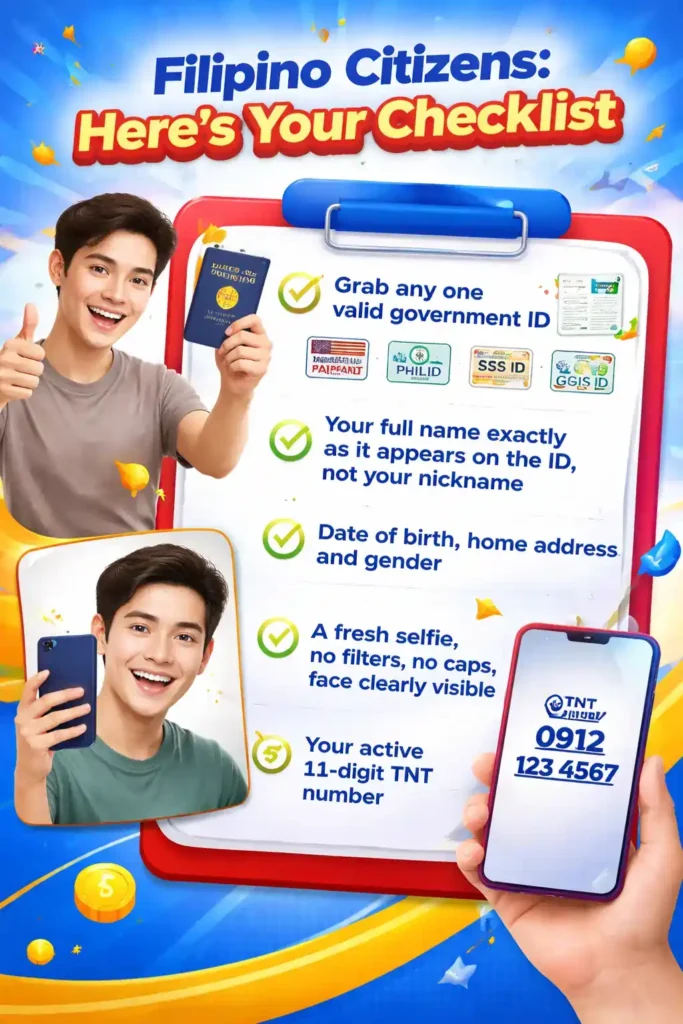
Filipino Citizens: Here’s Your Checklist
Grab any one valid government ID. Your Passport, PhilID, Driver’s License, SSS ID, or GSIS ID all work perfectly. Along with that, you’ll need:
- Your full name exactly as it appears on the ID, not your nickname
- Date of birth, home address, and gender
- A fresh selfie, no filters, no caps, face clearly visible
- Your active 11-digit TNT number
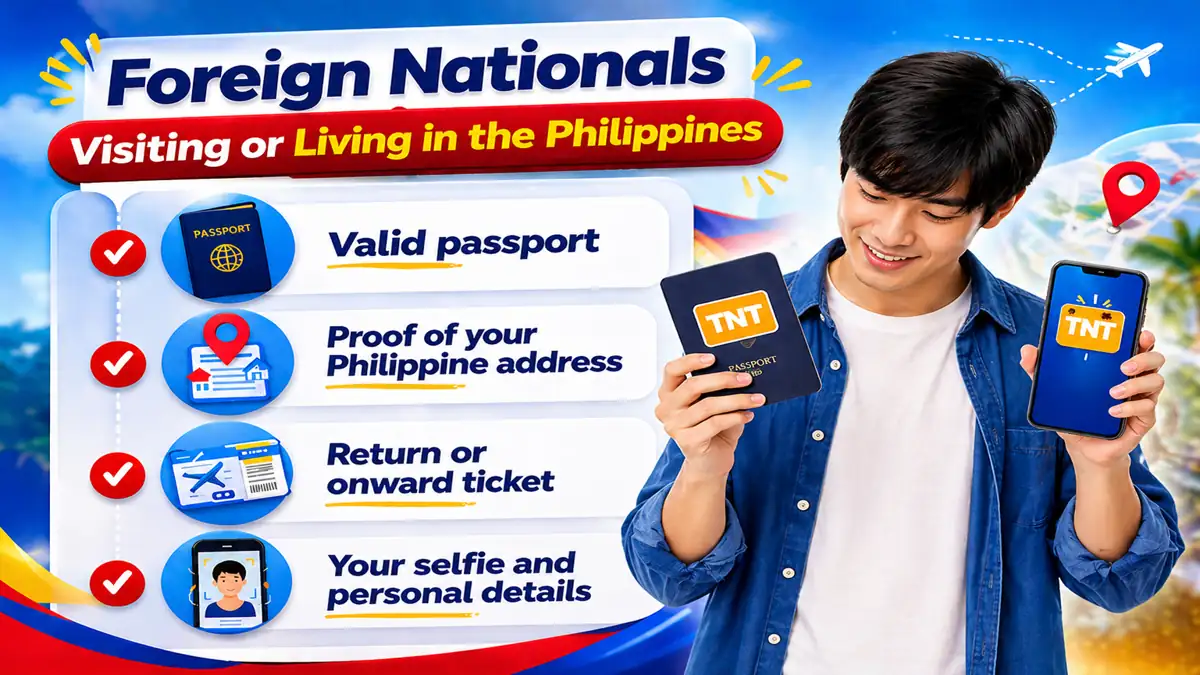
Foreign Nationals Visiting or Living in the Philippines
- Valid passport
- Proof of your Philippine address
- Return or onward ticket
- Your selfie and personal details
Important Point: foreign-national SIMs remain active for only 30 days after registration. After that, automatic deactivation. Plan around that if you’re staying longer.
Registering for a Child Under 18?
The parent or guardian handles this, not the child. You’ll need:
- Your valid government ID
- The child’s birth certificate
- A written consent letter from you as the parent or guardian
- Your selfie, again, yours, not the child’s


Businesses and Companies
- SEC registration certificate or business permit
- An authorization letter from the company
- Valid ID of the authorized representative
- Representative’s full name, position, and contact number
Quick tip: Take a clear, bright photo of your ID right now and save it to your phone. Bad lighting and blurry images are the top reasons ID uploads get rejected. Don’t let that be you.
How to Complete Your TNT SIM Registration
There’s no single “best” method here; the right one depends on your situation. Here’s every option, broken down so you can pick what fits.
Method 1: TNT SIM Registration Online Portal (Fastest Option)
Here is the official TNT SIM registration link: sim registration tnt link. Bookmark it so you’re always using the right one.

Open simreg.smart.com.ph in your browser
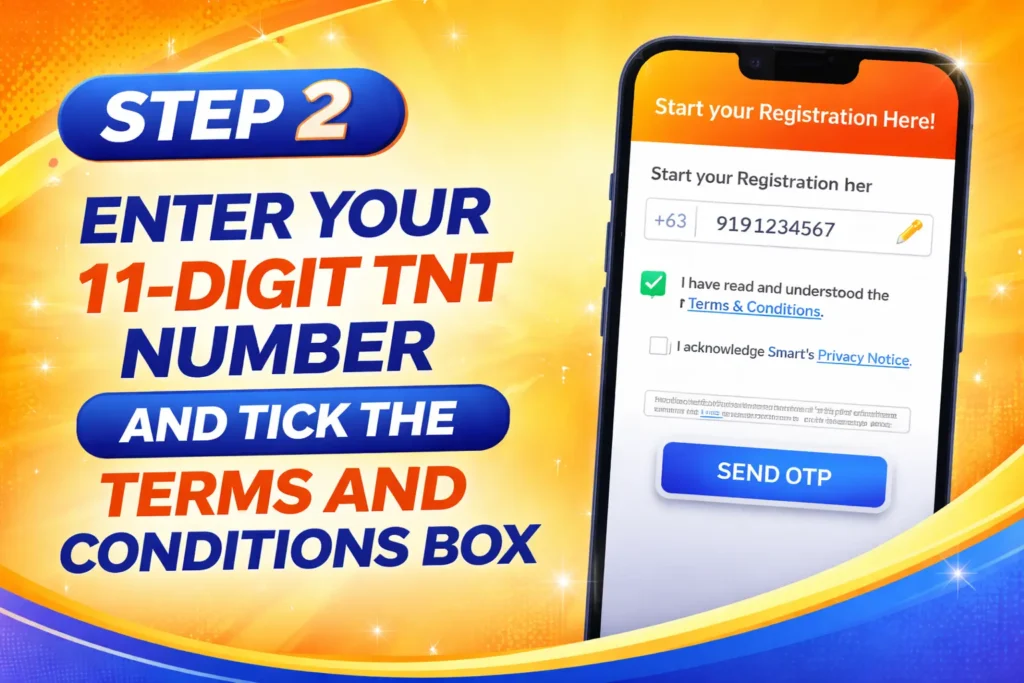
Enter your 11-digit TNT number and tick the Terms and Conditions box
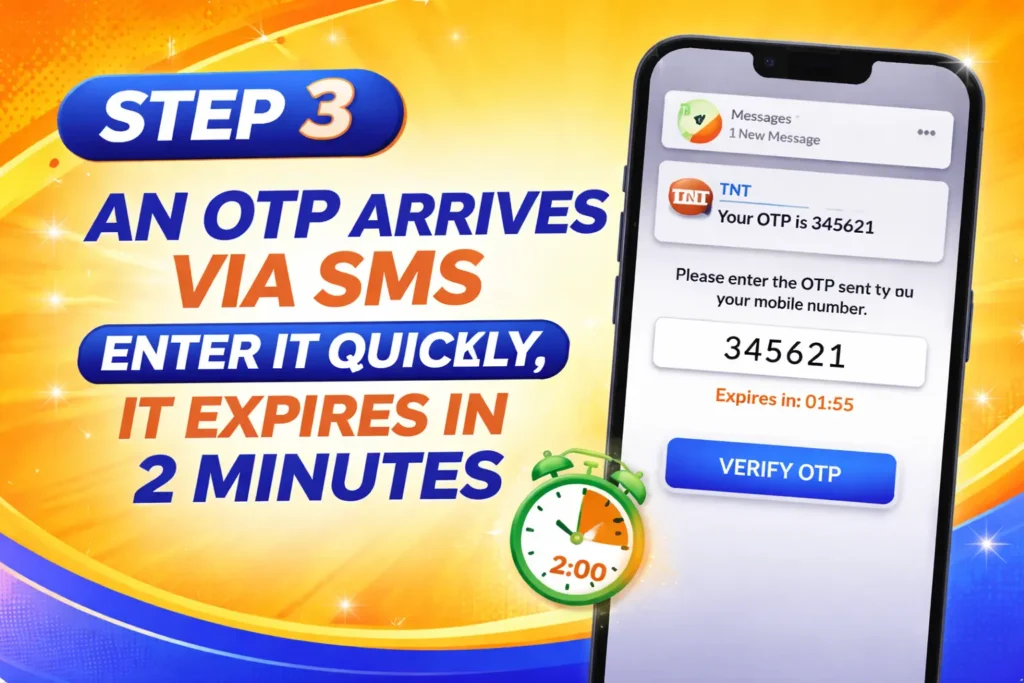
An OTP arrives via SMS enter it quickly, it expires in 2 minutes
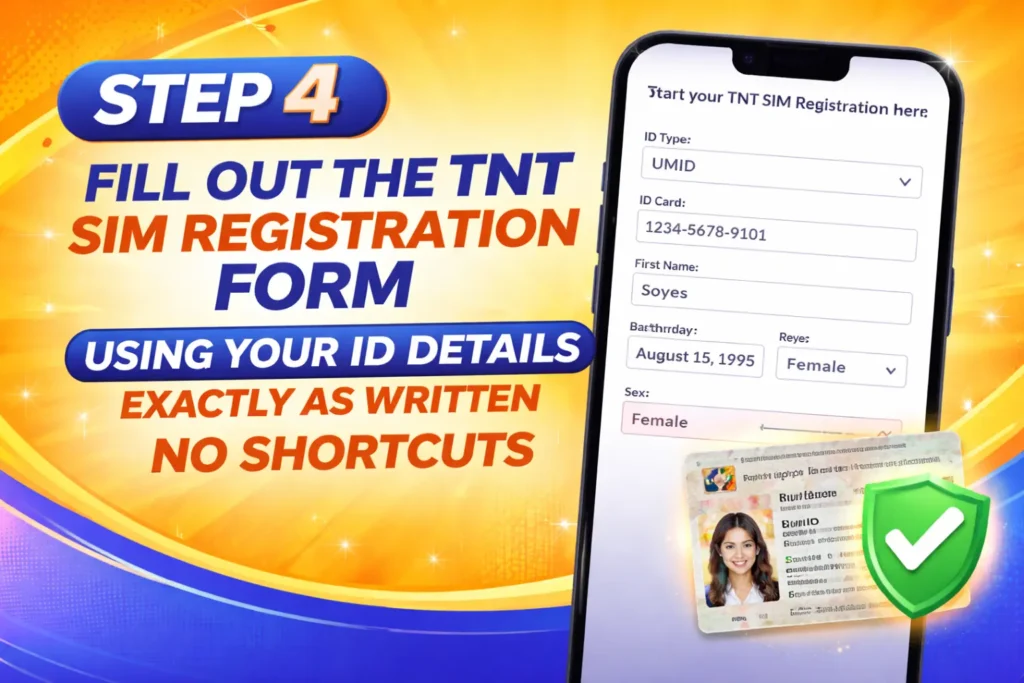
Fill out the TNT SIM registration form using your ID details exactly as written, no shortcuts
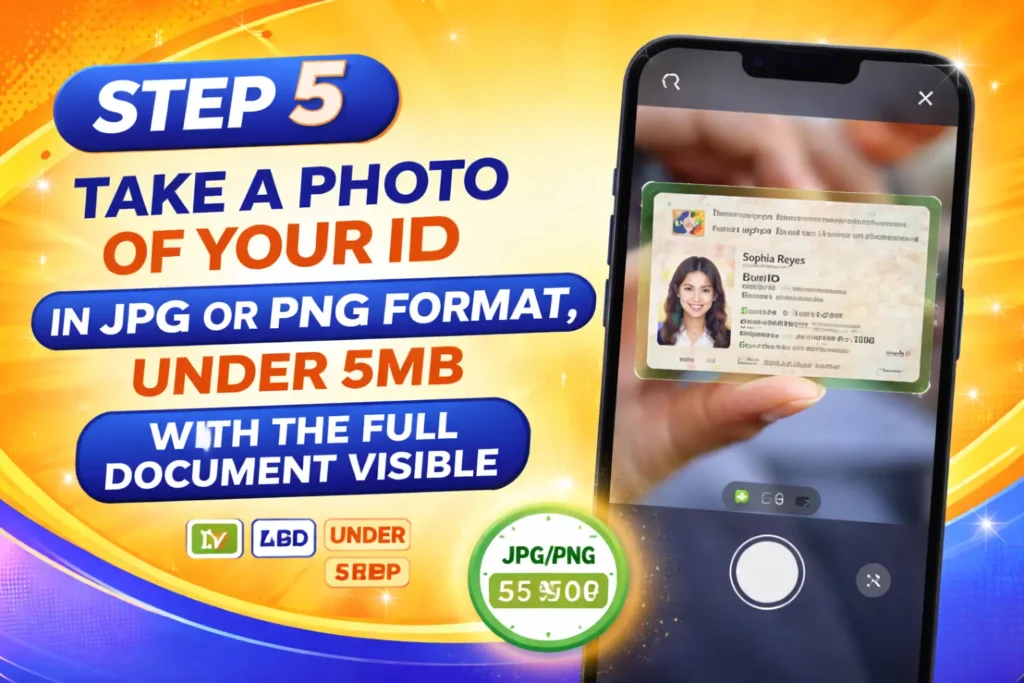
Take a photo of your ID photo in JPG or PNG format, under 5MB, with the full document visible
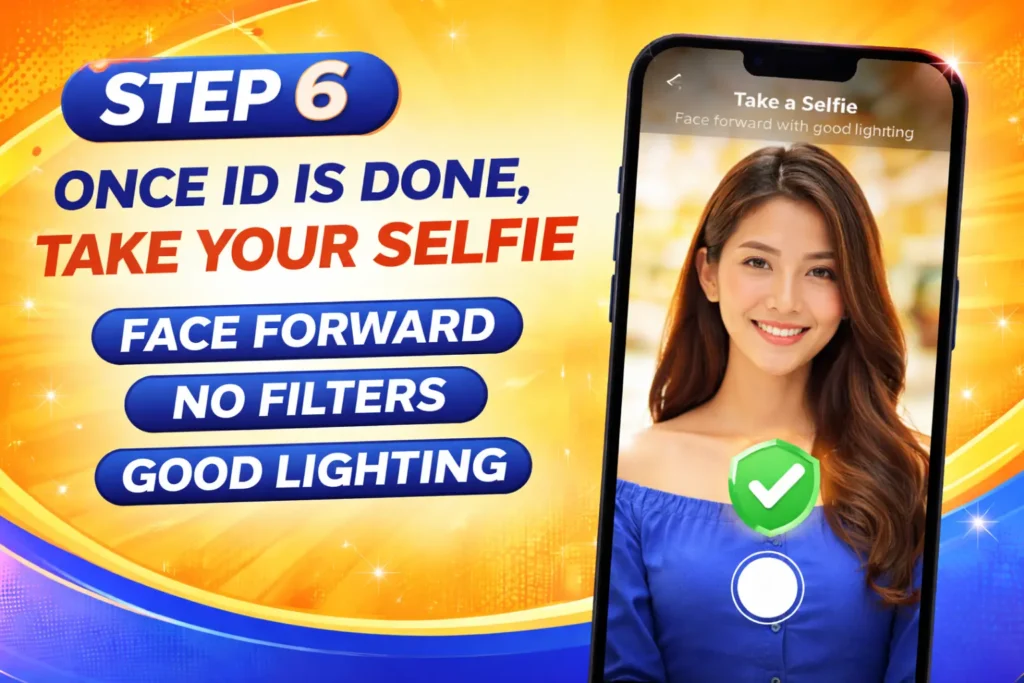
Once ID is done, take your selfie when prompted, face forward, no filters, good lighting
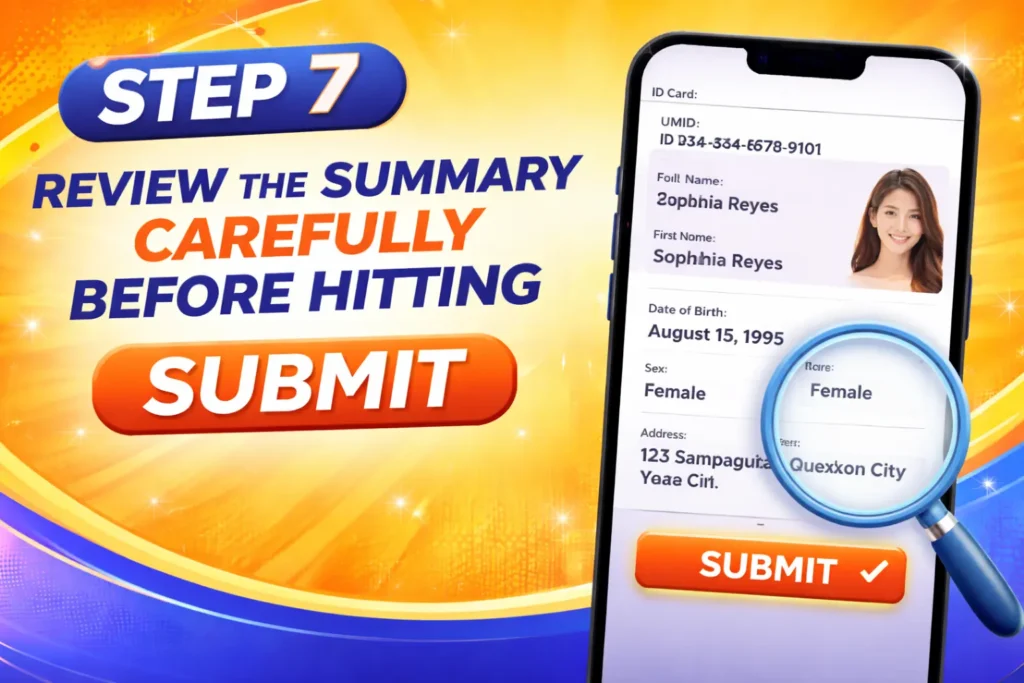
Review the summary carefully before hitting Submit
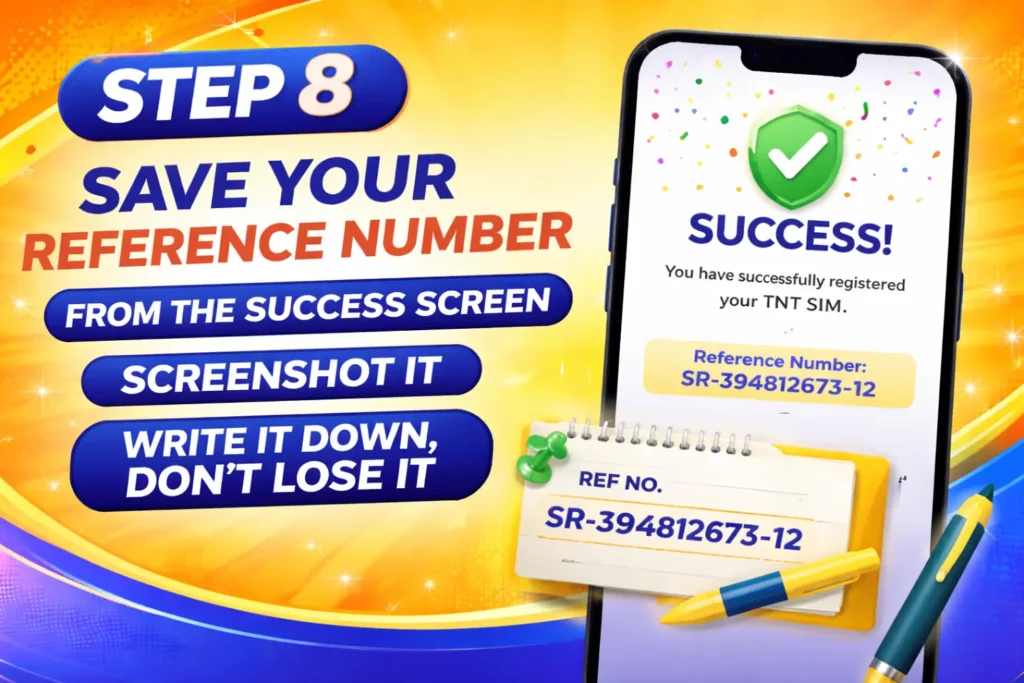
Save your reference number from the success screen, screenshot it, write it down, don’t lose it
That reference number is your official proof. The whole thing took me under three minutes when my ID photo was already on my phone.
Method 2: TNT SIM Registration App (GigaLife)
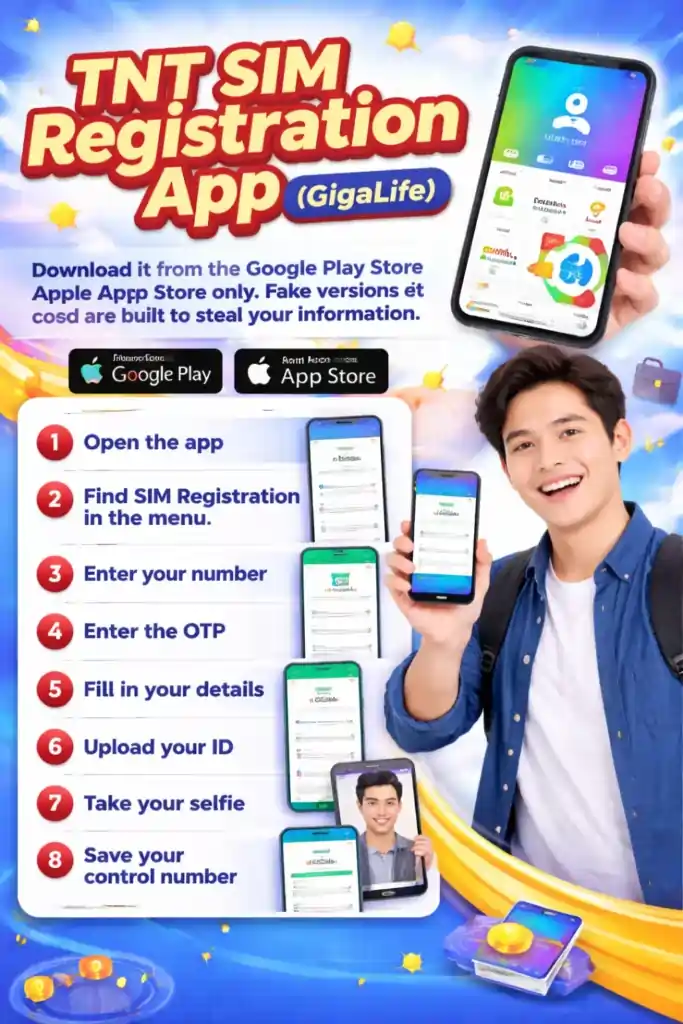
The app mirrors the portal step by step and saves your progress if you get interrupted. Download it from the Google Play Store or Apple App Store only. Fake versions exist and are built to steal your information.
Open the app, find SIM Registration tnt link in the menu, enter your number, enter the OTP, fill in your details, upload your ID, take your selfie, and save your control number. Same process, different screen.
Method 3: TNT SIM Registration Number ( Free Hotline)
TNT SIM Registration Number (Free):
This is the best option for anyone not comfortable with apps or websites.
- Dial *888# from your TNT phone completely free, no call charges
- Or call (02) 8888-1111 from a landline, also free
Tell the agent you want to register your SIM, have your ID details ready, and they’ll walk you through every step. I’ve called twice and had no issues either time. This is genuinely the best option for older family members who aren’t comfortable with online forms.
Method 4: Visit a Smart Store
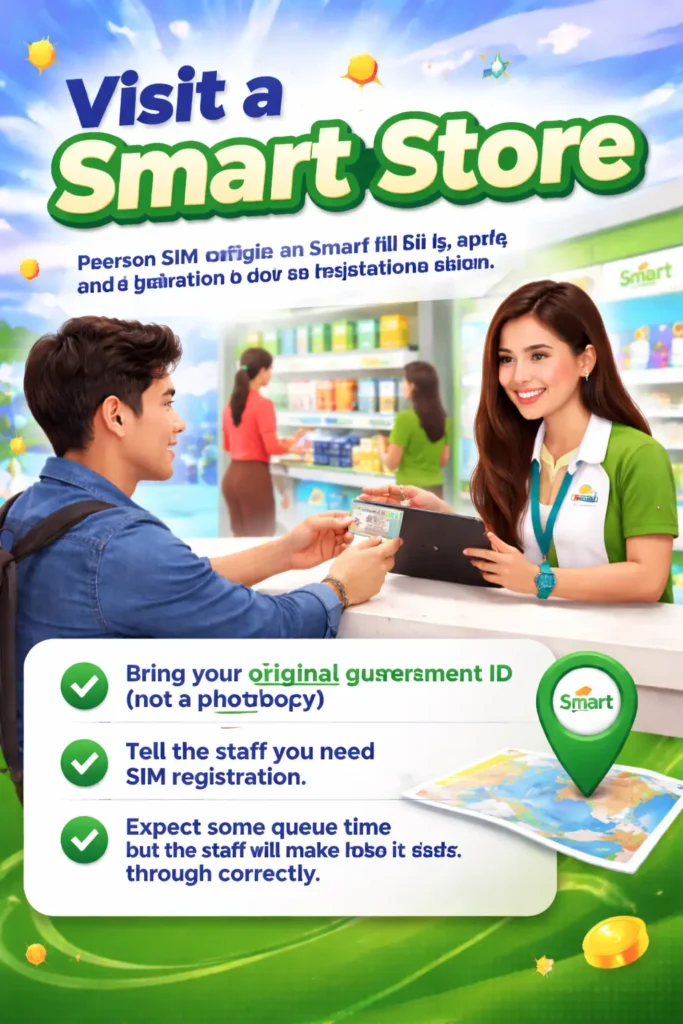
When online methods keep failing, going in person removes every technical variable.
Bring your original government ID (not a photocopy), tell the staff you need SIM registration, and they will handle the rest. Expect some queue time, but the staff will make sure it goes through correctly.
Registering a 5G TNT SIM
Exactly the same process as above, no extra steps. Just check that your phone actually supports 5G. A 5G SIM in a 4G phone connects at 4G speeds, which isn’t broken, but it’s not what you’re paying for. After registration, your confirmation SMS should show your 25 GB data bonus.

How to Check If SIM Card Registration Tnt Went Through
Online portal: Go to simreg.smart.com.ph, enter your number, verify with an OTP, and your status appears immediately.
GigaLife app: Log in if your TNT number shows in your profile; you’re registered.
SMS: Text REG STATUS to 8080 and wait for a reply.
Smart store: Bring your ID and ask the staff to check. Takes about two minutes.
| Status | What It Means |
| Pending | Still being reviewed. Give it a few hours |
| Confirmed | Fully registered, you’re good |
| Failed | Details didn’t match, correct and resubmit |
Activating Your SIM After Registration
Insert your SIM, turn on your phone, enable mobile data, and wait for a welcome SMS. That message is your green light. No SMS after a few minutes? Dial *123# to check your balance, or text 15001 to 214 for a direct confirmation.
If mobile data still isn’t connecting, check your APN settings. An incorrect APN is one of the most common silent blockers; everything looks fine, but data won’t move.
Free Data Bonuses You Get After Registering, Don’t Miss These
Completing your registration gets you 3 GB of free internet data credited to your account. It comes in the same SMS as your registration confirmation. Read that message carefully before you delete it.
If you bought a new SIM, here’s what each type includes:
| SIM Type | Free Bonuses | Validity |
| Standard TNT SIM | Up to 25 GB data + free calls and texts | 7 days |
| TNT 5G SIM Bundle | 25 GB data + ₱5 to ₱55 free load | 7 days |
| TNT SIM + Freebie Bundle | Data + load + physical item (bag or shirt) | 7 days |
Common Smart Sim Registration Errors and How You Fix Them Fast
Most problems during smart TNT SIM registration come from a few common mistakes. Here’s exactly what causes them and how to fix them quickly.
| Error / Issue | Why It Happens | How to Fix It |
| OTP not arriving | Spam filtering, wrong number, weak signal, or system delay | Check spam/messages, confirm number, switch mobile data/WiFi, wait 60 seconds before retrying |
| ID photo upload failing | Wrong format, large file size, blurry or cut-off ID | Use JPG/PNG under 2MB, compress the file if needed, keep full, clear ID image |
| Selfie rejected | Filters, poor lighting, face not clearly visible | Remove filters/sunglasses, use good lighting, ensure full face visibility, and clean the camera lens |
| Error Code 10009 | Details don’t match your ID exactly | Recheck name, DOB, address, suffix (e.g., Jr.), and match it exactly with your ID |
| Form not submitting/keeps refreshing | Browser or network glitch | Clear cache, restart session, switch WiFi/mobile data |
FAQS
Final Takeaway
TNT SIM registration is a quick and important step that every user in the Philippines needs to complete. It takes only a few minutes, costs nothing, and helps keep your SIM active without interruption.
If you follow the right steps, the process is very simple, whether you do it online, through the app, by phone, or in a Smart store. Most issues people face are small mistakes that can be easily fixed using the tips in this guide.
The most important thing is not to delay it. Once your SIM is deactivated, getting the same number back is not always possible.
So take a few minutes to complete your registration and secure your TNT number today.